










Can a Power Bank Charge a Laptop?
Yes—but not all power banks can charge a laptop.
This is one of the most common questions users ask when looking for portable power solutions.
👉 The key depends on power output, compatibility, and battery capacity.
In this guide, we’ll explain exactly how it works—and how to choose the right one.
How Does Charging a Laptop with a Power Bank Work?
Laptops require significantly more power than smartphones.
To charge a laptop, a power bank must support:
-
High wattage output
-
USB-C Power Delivery (PD)
-
Stable voltage and current
👉 Without these, charging may fail or be extremely slow.
What Power Bank Do You Need to Charge a Laptop?
Minimum Wattage Requirements
Most modern laptops require:
-
Minimum: 45W–65W
-
Recommended: 65W–100W+
👉 Lower than 45W:
-
May not charge
-
Or only maintain battery level
USB-C Power Delivery (PD)
Your power bank must support:
-
USB-C PD 3.0 or higher
-
Proper voltage profiles
👉 This ensures compatibility with most laptops.
Battery Capacity
Higher capacity means longer usage.
-
20,000mAh → short usage
-
25,000mAh+ → better for laptops
👉 Essential for travel and remote work.
Cable & Device Compatibility
Even with a good power bank:
-
You need a USB-C to USB-C cable
-
Your laptop must support USB-C charging
👉 Some older laptops do not support this.
Which Laptops Can Be Charged by a Power Bank?
✔ Compatible Devices
-
MacBook (USB-C models)
-
Ultrabooks (Dell XPS, HP Spectre, etc.)
-
Tablets (iPad Pro, etc.)
❌ Not Compatible
-
Laptops with barrel charging ports only
-
High-power gaming laptops (usually require 150W+)
How Long Can a Power Bank Power a Laptop?
It depends on capacity and usage.
👉 Example:
-
20,000mAh → ~0.5–1 charge
-
25,000mAh+ → 1–1.5 charges
👉 Heavy tasks (editing, gaming) drain faster.
Common Problems When Charging a Laptop
❌ Power Bank Too Weak
Low wattage cannot support laptop charging
❌ Incompatible Cable
Using USB-A instead of USB-C
❌ Laptop Not Supported
No USB-C charging capability
👉 Always check compatibility before buying.
Is It Safe to Charge a Laptop with a Power Bank?
Yes—if you use a high-quality power bank.
Look for:
-
Overcharge protection
-
Temperature control
-
Voltage regulation
👉 Cheap power banks may damage your device.
When Should You Use a Laptop Power Bank?
-
Remote work
-
Business travel
-
Flights and airports
-
Outdoor work
-
Emergency backup
👉 Perfect for staying productive anywhere.
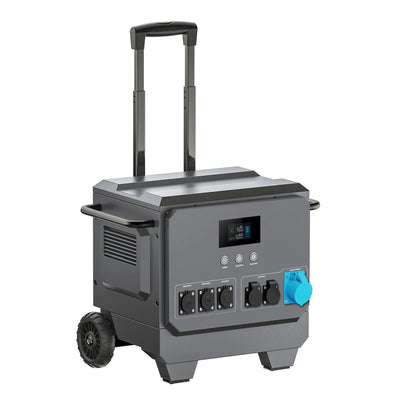
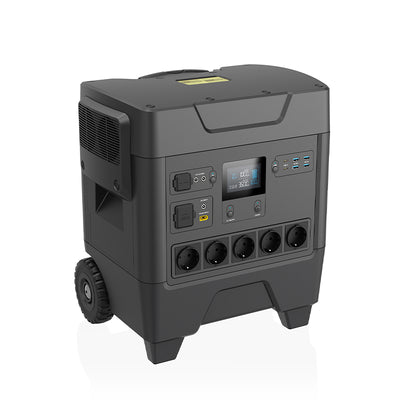
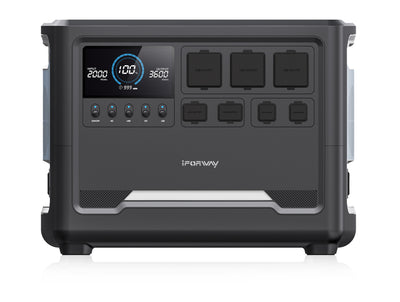
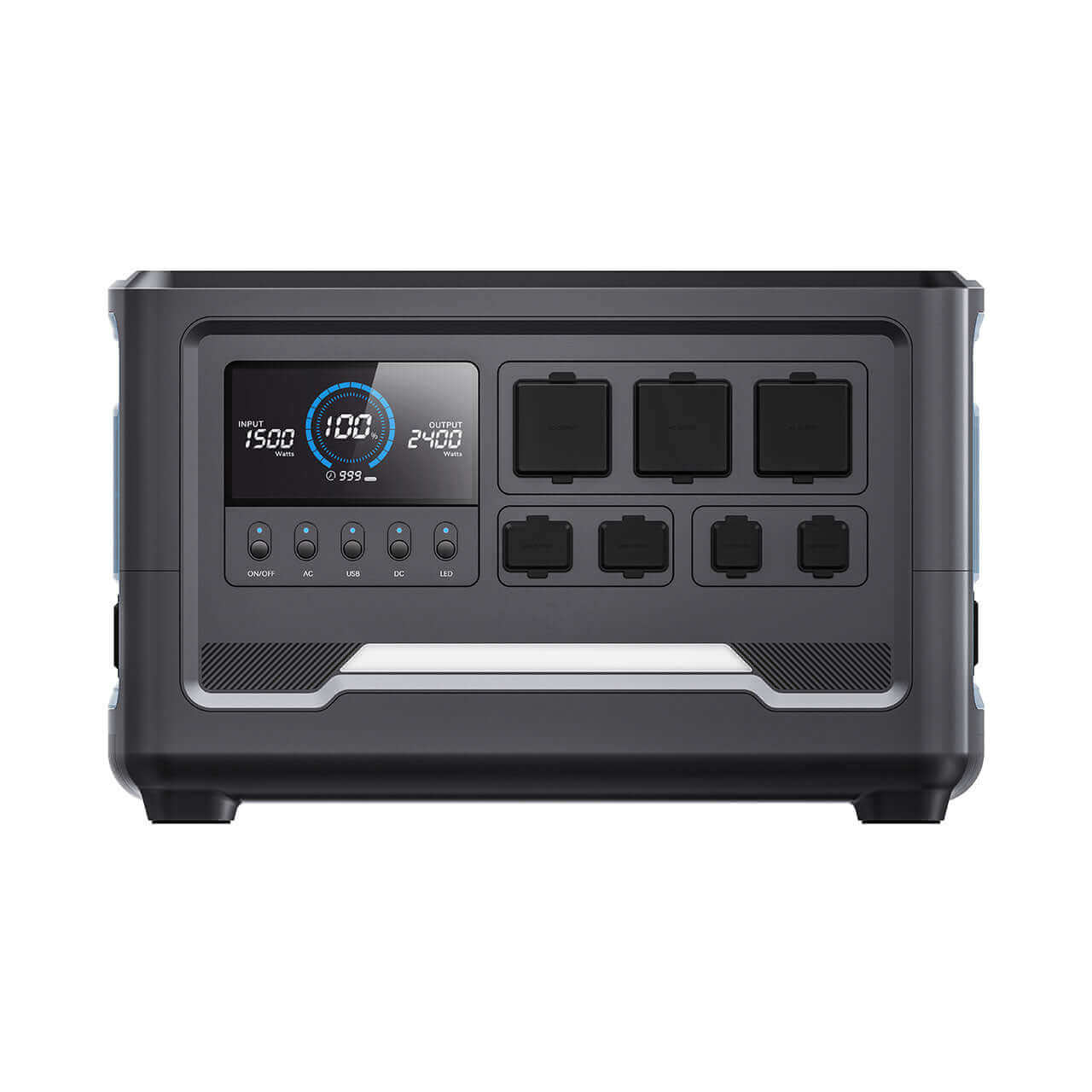
Why Choose iFORWAY Laptop Power Banks
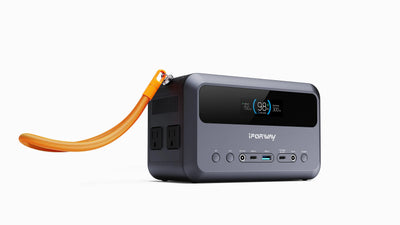
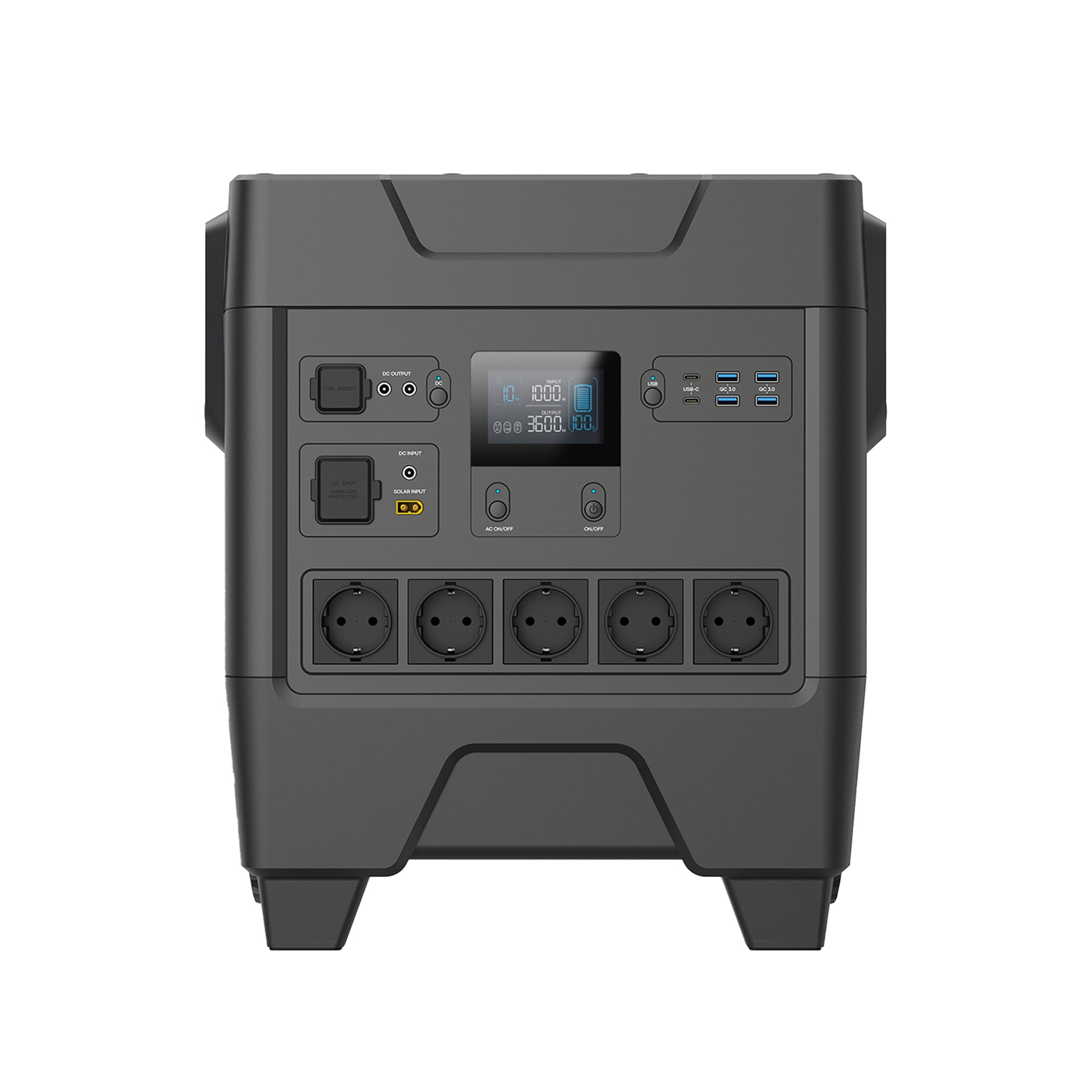
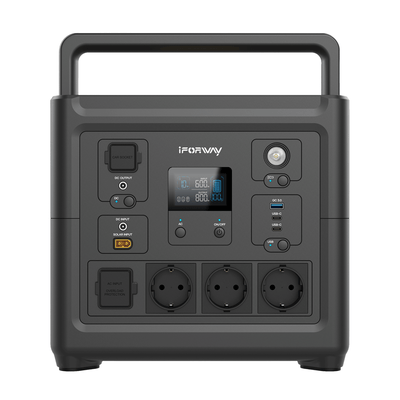
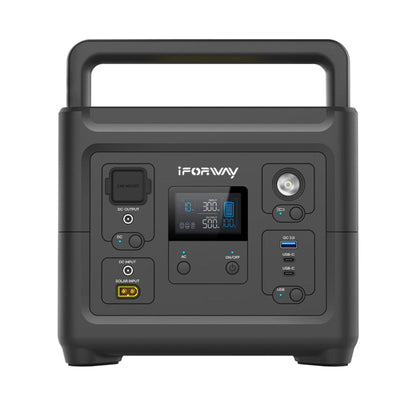
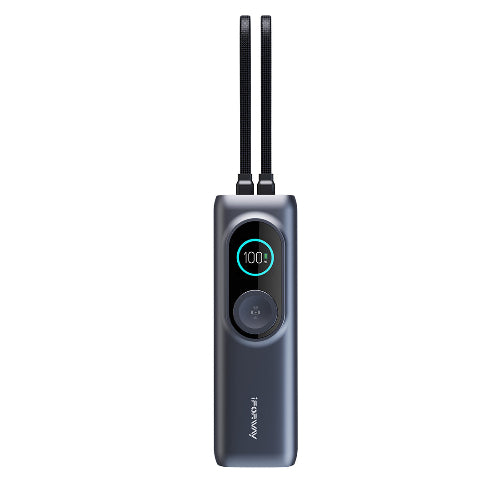
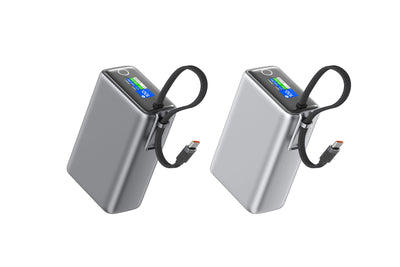
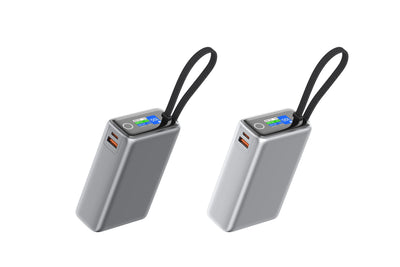
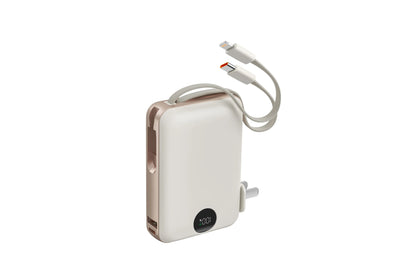
When it comes to high-performance portable charging, iFORWAY laptop power banks are built to meet demanding power needs.
✔ High Wattage Output
Supports fast charging for laptops tablets and phones
✔ Large Capacity Options
Reliable for extended work sessions
✔ Advanced Safety Protection
Ensures safe and stable charging
✔ Multi-Device Charging
Power multiple devices simultaneously
👉 Whether you're traveling or working remotely, iFORWAY delivers dependable power anytime anywhere
Conclusion
So, can a power bank charge a laptop?
👉 Yes—if it has enough power, proper compatibility, and sufficient capacity.
Choosing the right laptop power bank ensures you stay powered no matter where you are.
